Turn recordings into text for free: a simple Whisper install guide
OpenAI's Whisper transcribes recordings on your own computer, in Hebrew too, with no subscription and no minute limit. Install on Mac and Windows, the exact command I ran, and the setting that stops it repeating the same word.
What Whisper is
Whisper is speech-to-text software from OpenAI, the company behind ChatGPT. You give it an audio file, and it gives you back the words that were said. Hebrew included.
- Free. Open source, MIT license. No subscription and no minute limit.
- On your computer. The recording is never sent to a server. After the first run it works offline.
- Any audio file. A voice note, a meeting recording, a lecture, a podcast.
Installing it takes a few terminal commands. If you have never opened a terminal, that is fine: copy, paste, press Enter.
My run
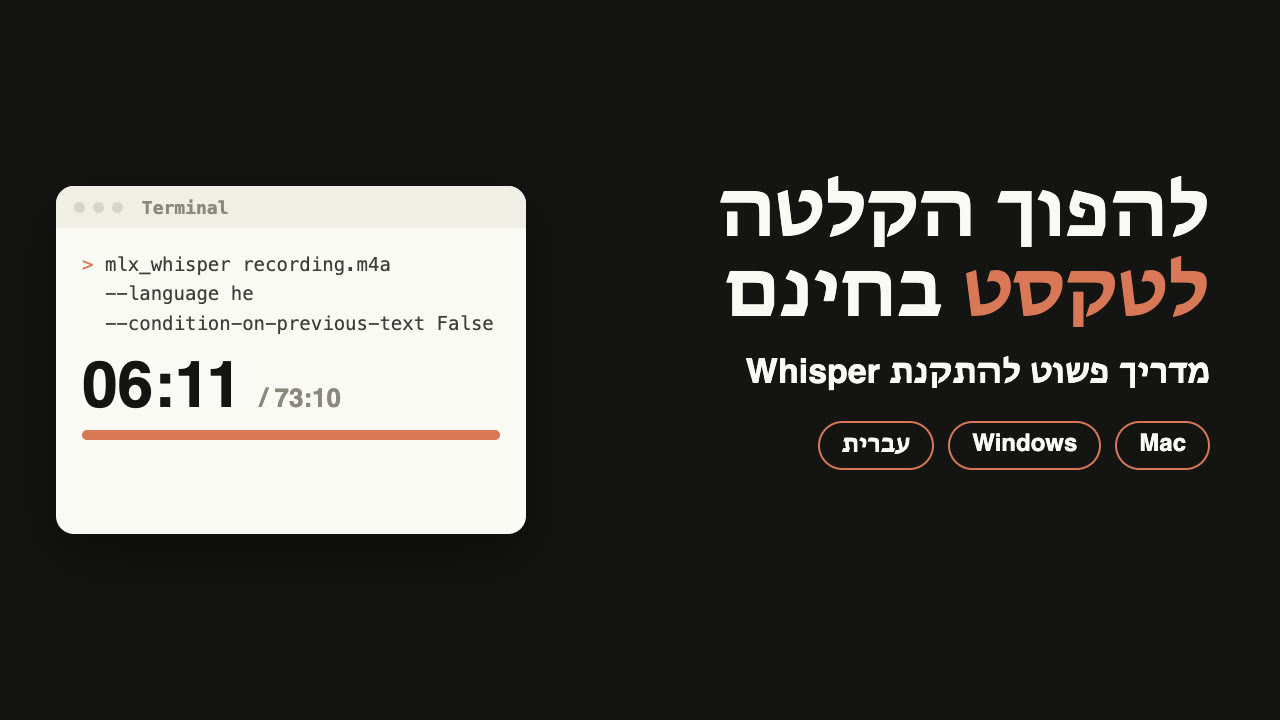
I took a Hebrew recording of mine, one hour and 13 minutes long (73:10). On a MacBook Pro M5 Max it turned into text in 6:11 minutes: 1,441 timestamped lines.
A slower computer takes longer. I did not measure how much, so I am not writing a number. What is certain: it costs nothing.
On my first run, without the setting that stops repeats, it got stuck on the word "okay" and repeated it again and again, across about 20 minutes of the recording. With the setting, the same recording came out clean.
Contents
Install on a Mac
This path is for a Mac with an Apple chip (M1 or later). Not sure? Apple menu, then About This Mac. If it says Intel, skip to "Windows, or an older Mac".
Cmd+Space, type Terminal, press Enter.Enter. It may download Apple developer tools and work for a few minutes. At the end it prints a Next steps heading with a few lines: copy them and run them.brew install ffmpeg uvmlx-whisper, is built for Apple chips and runs fast on them. It is exactly the version I ran:uv tool install mlx-whisper
uv tool update-shellClose Terminal and open it again. Check it works with mlx_whisper --help: if a long list of options prints, the install worked.
Transcribe your first file
Enter yet. The command ends with a space, so the file does not stick to it:mlx_whisper --model mlx-community/whisper-large-v3-mlx --language he --condition-on-previous-text False --output-format all --output-dir ~/Desktop Enter.What each part says:
--model mlx-community/whisper-large-v3-mlx: the large, accurate model. On the first run it downloads, about 3 GB, so that takes a few minutes. Next time it is already there.--language he: tells it the recording is in Hebrew instead of letting it guess. Useenfor English.--condition-on-previous-text False: the setting that stops repeats. Next part.--output-format all: saves the text in several files..txtto read,.srtfor video subtitles, and three more.--output-dir ~/Desktop: the files are saved to your Desktop.
When it finishes, files with the same name as the recording are waiting on your Desktop. Open the .txt file, and that is the text.
The setting that stops repeats
Whisper transcribes one chunk after another, and each chunk sees the text of the chunk before it. Most of the time that helps. But if it makes one mistake and writes a word twice, the mistake carries into the next chunk, and on from there.
On my first run it looked like this: "okay. okay. okay.", in place of twenty minutes of real speech. The setting --condition-on-previous-text False cuts the link between chunks, so each one starts clean.
Still seeing repeats? Check the setting is really in the command and the language is right. If the recording itself is very noisy, try it without background music.
Windows, or an older Mac
Here you install the regular version of Whisper, OpenAI's own. I did not time this version, so I have no number for you.
winget install Gyan.FFmpegpip install -U openai-whisperEnter. Note that this version writes the settings with underscores:whisper --model turbo --language he --condition_on_previous_text False --output_dir Desktop According to OpenAI, turbo is a faster version of the large model with a small drop in accuracy. I have not tested it in Hebrew. Without an NVIDIA graphics card it runs slowly, and if it is too slow, try --model small: faster, less accurate. On an Intel Mac, install with brew install openai-whisper instead of all this, and run the same command.
Where recordings come from
- A WhatsApp voice note. On the phone: long-press the message, Forward, then the share button, and save to Files or send by email. The file comes as
.opus, and Whisper reads it as is. - A phone recording. The voice recorder app sends an
.m4afile by email, AirDrop or Drive. - A recorded meeting or a video. Give it an
.mp4or.movfile directly. It takes only the audio.
Only transcribe recordings you are allowed to: your own, or of people who agreed to be recorded.
github.com/openai/whisper (MIT license), github.com/ml-explore/mlx-examples/whisper, brew.sh, checked November 21, 2026. My run: mlx-whisper with whisper-large-v3-mlx on a MacBook Pro M5 Max, a 73:10 Hebrew recording, 6:11 minutes, November 21, 2026.