Clean your Mac for free: a step-by-step Mole install guide
Mole is free, open-source software that finds caches, logs and leftovers from apps you already deleted. The install, the preview that deletes nothing, how to protect your Trash, and the clean itself.
What Mole is
Mole cleans junk off your Mac: app caches, logs, and leftovers from apps you already deleted. It runs in the Terminal, and its command is mo.
- Free. Open source under GPL-3.0. On November 21, 2026 it had 75,770 stars on GitHub.
- Instead of CleanMyMac, for the cleaning part. The one-Mac plan there costs $39.95 a year. Mole has no malware scan, only cleaning and disk tools.
- There is also an app. Mole for Mac is a separate, closed-source app from the same developer. This guide covers the free Terminal tool.
My run
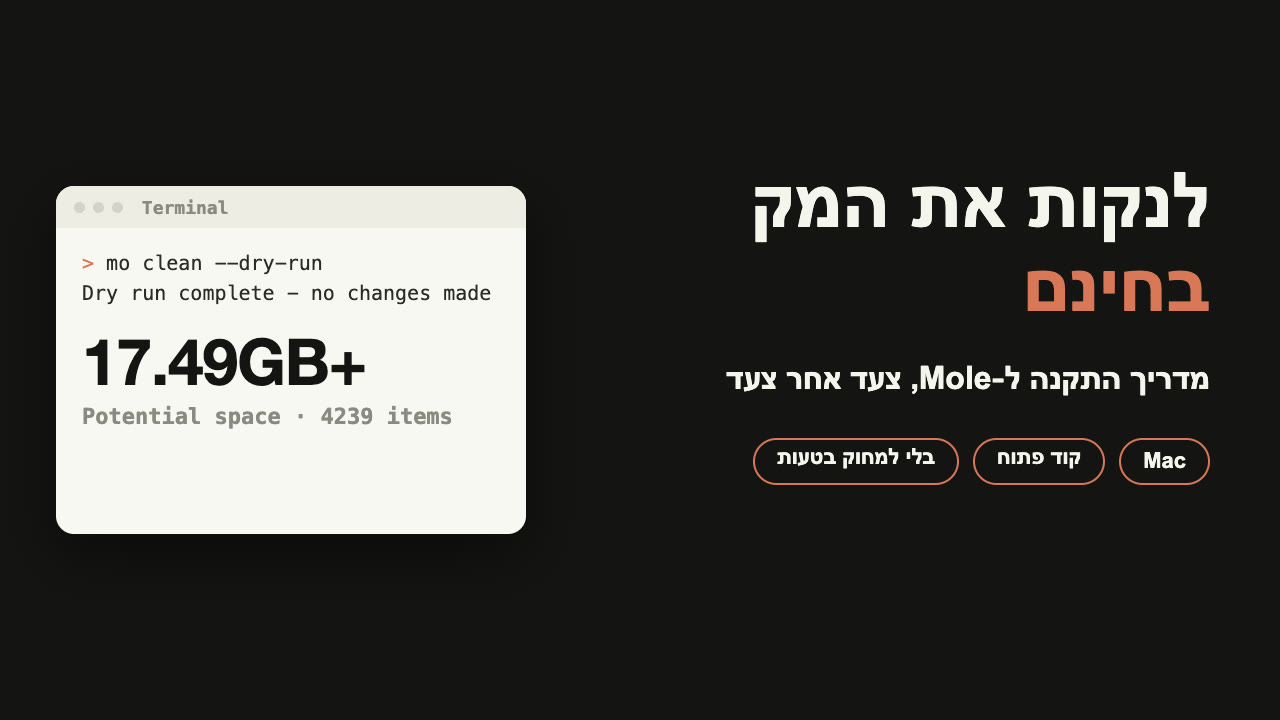
I installed it on my MacBook Pro and ran only the preview, mo clean --dry-run. It touched nothing, and at the end it printed:
Dry run complete - no changes made
Potential space: 17.49GB+ · 4239 items
More than 17 GB I could free. Without an admin password, Mole does not check system caches. So this is the minimum, and the + means there is more. Yours will be different.
Contents
Install
Never opened Terminal? That is fine: copy, paste, press Enter.
You need macOS 12 or newer. It works on Intel Macs and on Apple silicon.
Cmd+Space, type Terminal, and press Enter.Next steps heading with a few lines: copy and run them.brew install moleCheck it worked with mo --version. If it prints a version number, the install worked. Mine was 1.74.0.
No Homebrew? If your macOS is too old for Homebrew, there is an official install script. It may ask for an admin password:
curl -fsSL https://raw.githubusercontent.com/tw93/mole/main/install.sh | bashPreview first, delete nothing
This is the one rule that really matters. Before any clean, run a preview:
mo clean --dry-runThe top of the screen says Dry Run Mode, Preview only, no deletions. It goes through everything it would delete, shows how much space that takes, and touches no file. At the end there is a Potential space line, and the path to the full list: ~/.config/mole/clean-list.txt.
Open the list and read it. See something that must not be touched? The next part adds it to the protected list.
It may say System caches need sudo. That means system caches were not checked without a password. You can leave it that way.
Before you clean: protect your Trash
Mole's clean deletes permanently. Files do not go to the Trash, and there is no way to get them back. One more thing: by default mo clean also empties your Trash.
If there is anything in the Trash you might want back, protect it before you clean:
mo clean --whitelistA menu opens. Select Trash, and any cache you want to keep, and press Enter to save. Your choice is saved in ~/.config/mole/whitelist and applies to every clean after that. Then run the preview again and check that the Trash is no longer on the list.
The clean
Only after you read the preview and protected what matters:
mo cleanThere is no "are you sure?". Press Enter and deleting starts right away. It stops only if it needs an admin password for system caches.
Run it without sudo. If it needs admin rights for something specific, it asks for your password itself.
I have not run the clean itself on my Mac yet: I ran only the preview. Everything here about the clean comes from Mole's README.
See what takes space
mo analyzeA map of your disk inside the Terminal: folders by size, moved through with the arrow keys. Deleting works differently here: files you pick go to the Trash, and only after you confirm.
Bonus: let Claude Code install it
Work with Claude Code? It can do the install for you. Paste it this line, taken from Mole's README:
Install Mole for me by reading https://raw.githubusercontent.com/tw93/Mole/main/llms.txtEven then, let Claude Code run mo clean only after you have seen the preview. Mole itself will not ask.
Watch out for fake sites
According to the README, Mole is distributed only through Homebrew, the GitHub repo, and mole.fit. The sites molemac.com, moleapp.net and molefit.com are not Mole. Do not download anything from them.
Sources: github.com/tw93/Mole (GPL-3.0, README read on November 21, 2026), macpaw.com/store/cleanmymac (one-Mac plan, $39.95 a year, checked the same day). My run: Mole 1.74.0, mo clean --dry-run, November 21, 2026.