/skill-doctor: how to clean up skills
How to check whether your list is being cut, and what to turn off first.
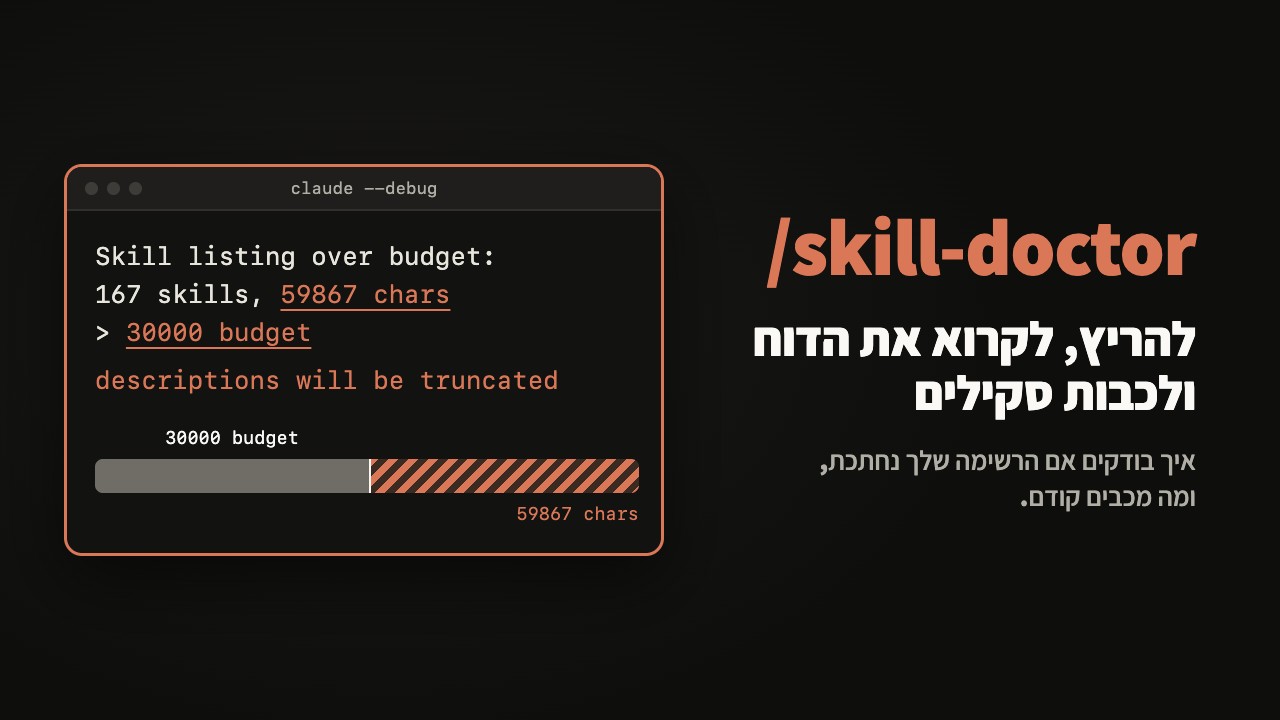
Why it matters
The skills list has a fixed place in every message: 1% of the model's context window. Every skill in the list takes some of it, even if it never runs. When the list is bigger than the space, Claude Code cuts descriptions, the least used skills first, and without a description Claude does not know when to run them. Turning a skill off does not lower the list's total tokens, it gives the space back to the skills that stay.
Contents
Check whether your list is being cut
claude --debug-file /tmp/skills.log -p "OK"Then search the file for the line Skill listing over budget:
grep "Skill listing over budget" /tmp/skills.logIt shows how many characters the list needs against the budget. No such line, the list fits.
/doctor gives an estimate of the list's cost and which skills are the biggest in it.
/doctorIn /context, the Skills row shows the size of the list after the cut, which is what the model actually receives.
Run the check
Inside Claude Code:
/skill-doctorThe report opens in the Stats tab of /plugin.
From the terminal:
claude -p "/skill-doctor"Requires version 2.1.252 or later, and does not work through Remote Control.
Read the report, column by column
context: the skill's line in the list, which enters every message (a dash: not in the list, costs nothing).7d tokens: tokens the skill used in the last week.usesandlast used: how many times and when you ran it.- At the end of the report: how many skills are loaded and were never run, by source.
What to turn off first
What was never run and what you have not touched in two months, from most expensive to cheapest in the context column.
How to turn off, by source
- Your own or a project skill:
/skills, or"off"inskillOverrides. - A skill synced from claude.ai: turn it off there, otherwise it comes back.
- A plugin skill: you cannot turn them off one by one, turn off the plugin in
/plugin.
The skill is not deleted, it only leaves the list.
What to keep anyway
A skill you need once a month but Claude must find on its own: keep it, or use "name-only" so it stays in the list without the description.
Check again
Run the debug check and /skill-doctor again.
claude --debug-file /tmp/skills.log -p "OK"/skill-doctorIf there is still not enough room:
"name-only"for less important skills.skillListingBudgetFraction(for example0.02) to enlarge the budget.
Sources
Find unused skillsandSkill descriptions are cut short: code.claude.com/docs/en/skillsskillListingBudgetFraction: code.claude.com/docs/en/settings-reference