A ChatGPT agent wants to buy from your site. The checklist that keeps you from blocking it
ChatGPT Wallet lets an agent buy for a user without seeing their card. What it is, who can use it today, and what to check on your site: Cloudflare, Vercel, your fraud system and the substitute card that reaches checkout.
What ChatGPT Wallet is
On November 13, OpenAI launched a wallet inside ChatGPT. The user adds a card once, and the agent buys for them on websites.
- Before every purchase the user sees the items, the total and the card, and approves with Face ID or a fingerprint.
- The real card never leaves. Visa, Mastercard or American Express issue a substitute card with its own number, security code and expiry. The agent and the store only get that one.
- The card's rewards and protections stay, including dispute protection where it applies.
Who can use it today: only in the US, only ChatGPT Pro subscribers aged 18 and over, and only with an eligible US-issued card. OpenAI says it will expand, with no date and no list of countries. Spending limits, categories and time windows are announced for later, not live.
Does this touch your site
The agent does not visit your site from the customer's device. It browses from a cloud browser. Bot protection sees that traffic and may decide it is a bot, and the purchase fails. OpenAI says it directly: some sites may block purchases without meaning to.
It touches you if both of these are true:
- You sell on your site, including to buyers in the US.
- Your site sits behind bot protection, such as Cloudflare, Vercel, Akamai or HUMAN, or you run a system that screens suspicious orders.
The good news: there is nothing to integrate at checkout. The wallet works with your existing payment pages and forms. The work is making sure no layer of your site stops the agent on the way.
What does not change: orders, fulfillment, support and fraud decisions stay with you, like any other purchase.
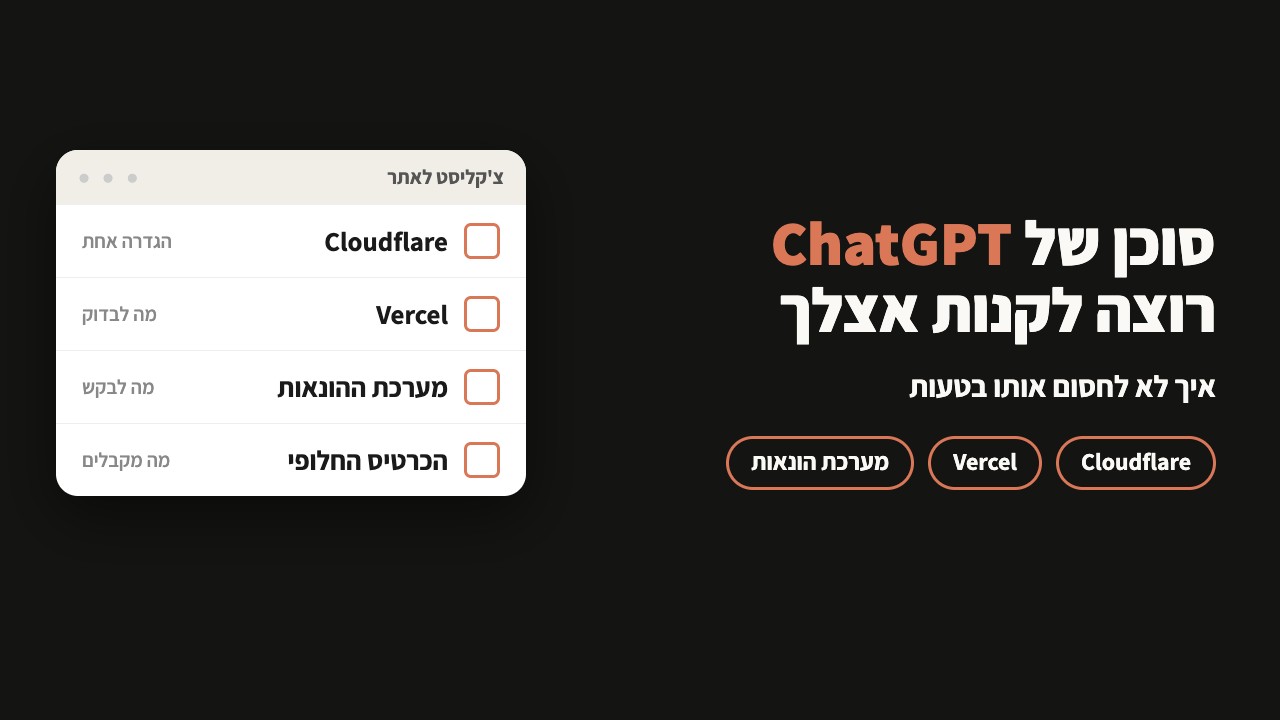
Contents
Check 1: your site does not block the agent
Find where your site sits and do only that part. The change opens the door to verified ChatGPT browsing only. Other bots stay blocked as before.
Cloudflare
In your site's dashboard, follow this path:
On the dots, OpenAI row, choose Allow (do not block) and click Save.
Using your own WAF rules? There is a second way: in Security → WAF, create a rule with Bot Detection ID equals, search for ChatGPT Operator, select 129220581, and set it to allow or skip.
Vercel
Most sites have nothing to change. Vercel already identifies the agent as chatgpt-operator. Only check whether a blocking rule you wrote yourself, such as blocking all bots, catches it too.
Akamai
Shared Resources › Custom Bot Categories, create a new category. Bot type: Verified Bots. Name: ChatGPT Agent.Security Policy › Bot & Agent Control › Custom Bots, set that category to Allow.HUMAN
In Sightline: Policies → Traffic Policy Settings → Known bots & Crawlers, find ChatGPT Agent, turn it on and set Allow. In AgenticTrust it is under Policies → AI Agents Permissions.
Any other protection
Every agent request is signed with a standard called Web Bot Auth (RFC 9421). Ask your provider or developer to verify the Signature, Signature-Input and Signature-Agent headers, and allow only requests whose signature passes. Signature-Agent must be exactly this, quotation marks included:
"https://chatgpt.com"The public keys for verification are here: chatgpt.com/.well-known/http-message-signatures-directory
Check 2: what to ask your fraud system
Even when the site lets the agent in, a system that screens orders can decline the payment. Same reason: the purchase comes from a cloud browser, not from the customer's device.
ChatGPT sends a Forwarded header with details about the real customer: asn, for, ip-country, ip-prefix, locale, tz and user-agent. A system that reads them can judge the order by the customer, not by the cloud browser. OpenAI notes the fields may change during rollout.
OpenAI works with Forter, Riskified, Sardine and Signifyd. If one of them is yours, they probably have an answer already. Either way, here is a message you can send your provider as is:
Hi, OpenAI launched ChatGPT Wallet. Agent purchases come from a cloud browser and can trigger bot detection.

1. Do you already read the Forwarded header that ChatGPT sends (asn, for, ip-country, ip-prefix, locale, tz, user-agent)?
2. Will a verified ChatGPT agent purchase be scored as a bot on our account today?
3. What do we need to change so these orders are not declined?
No provider? Start logging the header on your site, so you have something to look at when an order is declined.
Check 3: what reaches checkout
Your payment system receives a substitute card, not the customer's card number. Three things to know about it:
- Recognize the customer by the PAR. The substitute card comes with a Payment Account Reference that links it to the account. That is how you connect an agent purchase to a customer you already know.
- Do not keep it for another purchase. The substitute card is for this purchase. Do not reuse it for a separate one.
- Subscriptions are fine. If your checkout supports recurring billing, get the customer's consent for the recurring charges and follow your processor's practices for merchant-initiated charges.
Customers who saved a card on your site keep buying as usual. The wallet is one more payment option, not a replacement. OpenAI works with Adyen, Checkout.com and Stripe here.
If you want more
Everything here is optional. For the agent to buy from you, it is enough that your site does not block it. If you want the agent to find you and buy more easily:
- A product feed, if you sell physical goods.
- A business profile managed through Business Hub.
- Sign in with ChatGPT, if your checkout requires an account.
- A plugin that lets the agent check availability, manage carts and take other actions, or WebMCP tools on your site.
What is not there yet: a site owner cannot require a human to confirm before payment. OpenAI says it requires the user's review before any consequential action. The exception you made in Check 1 applies to the whole site, so access rules for sensitive pages stay your job.
What to do this week
Forwarded header to your logs.Buyers outside the US cannot pay this way yet. If you sell to the US, you can meet this buyer now, and you want it to reach checkout.
openai.com/index/introducing-chatgpt-wallet, developers.openai.com/commerce/guides/overview, developers.openai.com/commerce/agent-access, developers.openai.com/commerce/guides/accept-payments, checked on November 15, 2026. Menu names are copied from those pages. If your dashboard looks different, the provider changed it.